
Raycast VS Spotlight
If you want the simplest verdict first: Spotlight is better for most casual Mac users, while Raycast is better for power users, developers, heavy keyboard users, and anyone who wants one launcher to control a big part of their workflow. Spotlight is built into macOS and already handles app launching, file search, quick actions, and calculations/conversions well. Raycast goes much further with extensions, clipboard history, snippets, notes, window management, quicklinks, calendar tools, and optional AI features.
What Spotlight is
Spotlight is Apple’s built-in system search on macOS. It can find apps, files, contacts, messages, and other content on your Mac, and it also supports quick actions like launching apps, starting Focus modes, setting alarms, running shortcuts, and doing calculations or conversions. Apple also says Spotlight can be narrowed by app or by kind, such as searching only PDFs.
Spotlight strengths
Spotlight’s biggest advantage is that it is already there. There is nothing to install, nothing to configure, and it feels fully native because it is part of macOS. It is great for opening apps fast, finding documents, running quick math, and doing lightweight system search with minimal friction. Apple also provides privacy controls and lets you exclude folders or rebuild the index if search results become inaccurate.
Spotlight weaknesses
Spotlight is much less customizable. It does not try to be a full productivity hub. It is good at search and basic actions, but it does not offer Raycast-style extension depth, built-in clipboard history, snippet expansion, advanced quicklinks, or the same kind of workflow automation ecosystem. Apple’s documentation focuses on search, filtering, quick actions, and conversions rather than turning Spotlight into a command center.
What Raycast is
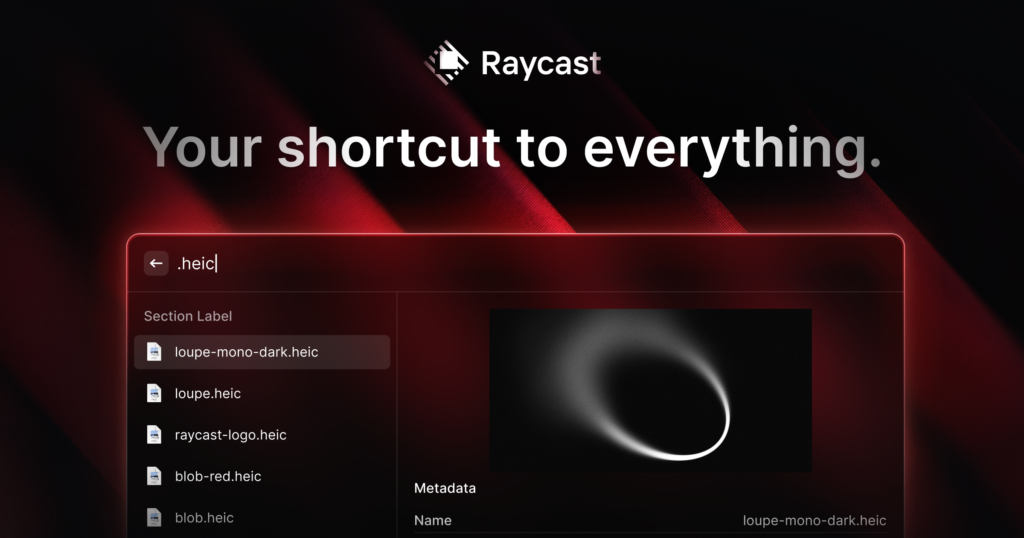
Raycast is a third-party launcher and workflow tool for Mac. The company describes it as an extendable launcher, and its Store lets users browse and install community-built extensions. Beyond search, Raycast includes features like clipboard history, snippets, quicklinks, notes, file search, window management, calendar integration, focus sessions, and AI tools.
Raycast strengths
Raycast’s biggest strength is that it can replace several separate utilities. Instead of using one app for clipboard history, another for text expansion, another for window snapping, and another for quick web shortcuts, Raycast bundles many of those capabilities into one launcher. It also has a Store for extensions, which is one of the main reasons power users choose it.
It is also much stronger than Spotlight if your workflow depends on:
- reusable snippets and templates
- clipboard history
- custom web searches and deep links
- window management
- app/service integrations
- optional AI inside the launcher
Raycast weaknesses
Raycast requires installation, setup, and some learning. If all you do is launch apps and search files, it may feel like overkill. Some of its more advanced capabilities are tied to paid plans, including AI and broader cloud features. As of Raycast’s pricing page, the free tier exists, while Pro is priced at $8/month annually or $10/month monthly.

Raycast vs Spotlight — Side-by-Side Comparison Table
| Feature / Category | Raycast | Spotlight |
|---|---|---|
| Type | Third-party productivity launcher | Built-in macOS search tool |
| Core purpose | Full productivity hub / command center | Fast system-wide search |
| App launching | Very fast, customizable | Very fast, native |
| File search | Fast, customizable indexing | Deep macOS integration, very accurate |
| Ease of use | Medium (needs setup & learning) | Very easy (works out of the box) |
| Customization | Extensive (shortcuts, UI, workflows) | Very limited |
| Extensions / plugins | Large extension store (apps, services, APIs) | No real extension ecosystem |
| Clipboard history | Built-in full manager (text, images, etc.) | Limited / basic (recent versions improving) |
| Snippets / text expansion | Yes (powerful) | No |
| Window management | Yes (keyboard-based control) | No |
| Integrations | Deep integrations (GitHub, Notion, Google, etc.) | Mostly Apple ecosystem only |
| Automation / workflows | Advanced (scripts, commands, extensions) | Basic (Shortcuts integration) |
| AI features | Built-in AI (paid plans) | Not a core feature |
| Speed | Extremely fast, customizable | Fast, optimized by macOS |
| Learning curve | Moderate | Very low |
| Price | Free + paid (Pro features) | Free (included with macOS) |
| Best for | Power users, developers, productivity geeks | Casual users, everyday tasks |
| Philosophy | “Control everything from one place” | “Find things quickly” |
Final rating
Spotlight
Best for: simplicity, native feel, zero cost, basic productivity
Overall: 8.5/10 for general Mac users
Raycast
Best for: customization, keyboard workflows, integrations, power-user productivity
Overall: 9/10 for heavy Mac users, but only around 7.5/10 if you never use its advanced features
Bottom line
Use Spotlight if you want quick, native, no-maintenance search.
Use Raycast if you want to turn your launcher into a serious productivity tool.
For many people, the honest answer is this: start with Spotlight, move to Raycast only when Spotlight begins to feel limiting.
Quick Verdict
- If you’re like 90% of users → use Spotlight
- If you want to optimize your workflow and save time daily → Raycast is worth it
READ ALSO: Raycast VS Alfred

Hi, this is Masab, the Founder of PC Building Lab. I’m a PC enthusiast who loves to share the prior knowledge and experience that I have with computers. Well, troubleshooting computers is in my DNA, what else I could say….