
How to bypass gyazo gif?
🔍 What is Gyazo GIF?
Gyazo is a popular screen capture tool that lets you:
- Record short GIFs (screen clips)
- Instantly upload them to a shareable link
- Store them in the cloud
👉 The free version has limitations:
- Limited recording length (usually ~7 seconds)
- Limited access to saved history
- No advanced editing
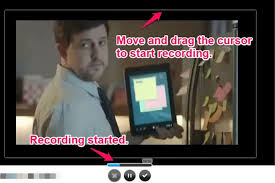
🚫 Can You “Bypass” Gyazo GIF Limits?
Let’s be real:
No legitimate or safe method exists to bypass paid features.
Trying to:
- Crack Gyazo
- Use modified versions
- Exploit access
❌ Violates terms of service
❌ Can get your account banned
❌ Often includes malware risk
✅ What You CAN Do Instead (Best Workarounds)
1. Use Free Alternatives (Better than Gyazo in many cases)
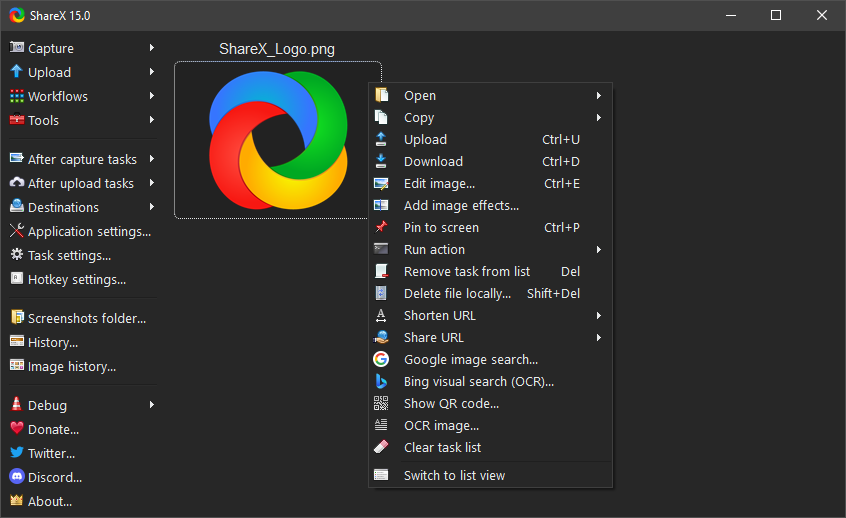
- Unlimited GIF recording
- No watermark
- Tons of settings
- Completely free (open-source)
👉 Honestly: Better than Gyazo Pro
🔹 ScreenToGif
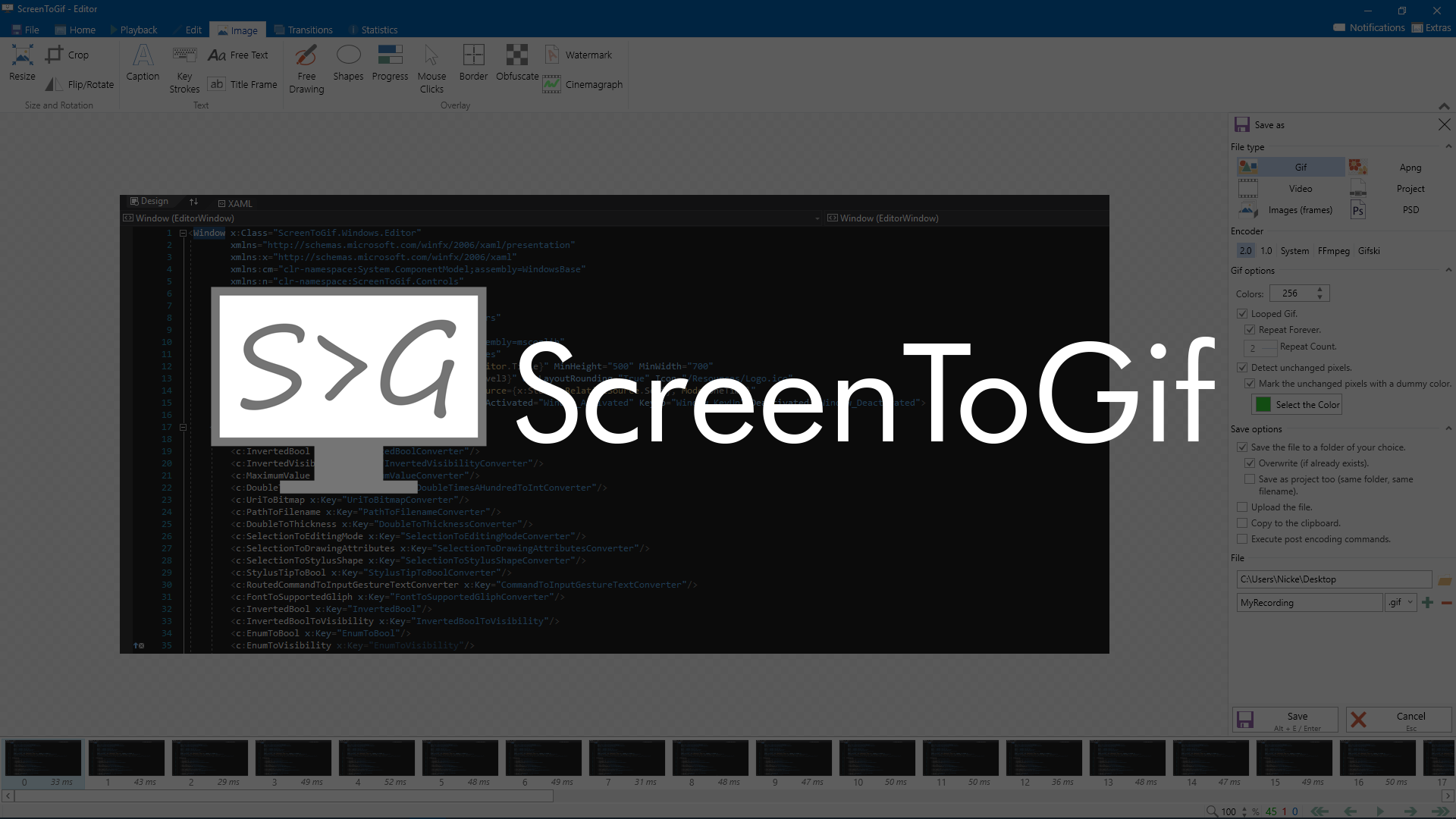
- Record long GIFs
- Built-in editor (cut frames, add text)
- Lightweight and beginner-friendly
🔹 OBS Studio + converter
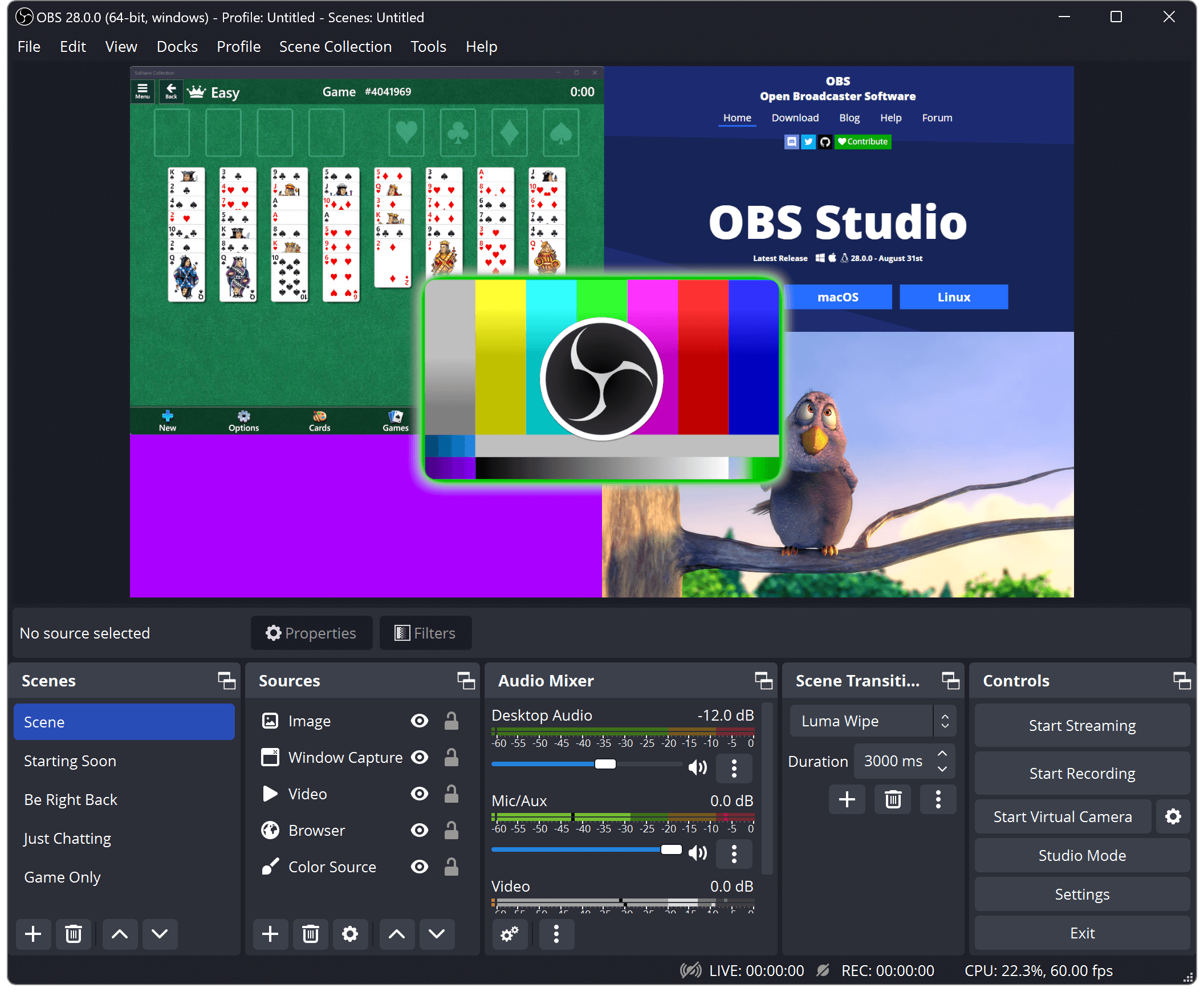
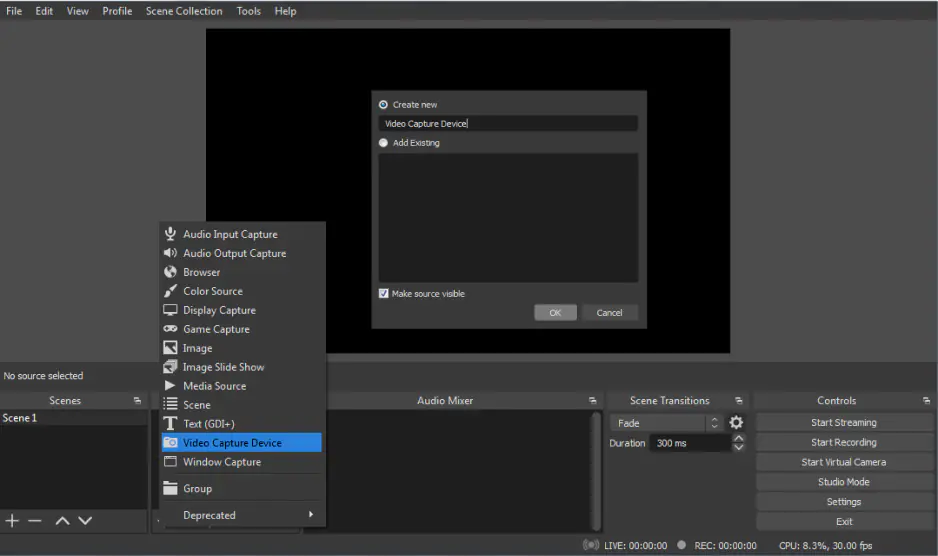
- Record full videos with no limits
- Then convert to GIF using tools like:
- ezgif.com
- Photoshop
- CapCut (you already use it 👀)
2. Use Gyazo Smartly (Without Paying)
You can still maximize free Gyazo:
✔ Record short clips → combine them later in editing
✔ Use it only for quick sharing
✔ Download GIF and re-edit elsewhere
3. Convert Video → GIF (Best Trick 🔥)
Instead of recording GIF directly:
- Record screen using:
- OBS
- Windows Game Bar (Win + Alt + R)
- Convert to GIF
👉 Advantages:
- No time limit
- Better quality control
- Smaller file size (if optimized)
⚖️ Gyazo Free vs Alternatives
| Feature | Gyazo Free | ShareX | ScreenToGif |
|---|---|---|---|
| Time limit | ❌ Yes | ✅ No | ✅ No |
| Editing | ❌ Minimal | ⚠️ Basic | ✅ Advanced |
| Watermark | ❌ No | ❌ No | ❌ No |
| Price | Free / Paid | Free | Free |
👍 Final Verdict
- ❌ “Bypassing” Gyazo limits → not recommended / unsafe
- ✅ Best move → switch tools or use workaround
👉 Top recommendation for you:
- Use ShareX for fast workflow
- Use ScreenToGif for editing
- Use OBS + CapCut for pro results
💡 Pro Tip (for your YouTube workflow)
Since you already use CapCut:
👉 Record with OBS → import to CapCut → export GIF
This gives you:
- cinematic control
- perfect thumbnails / shorts assets
- higher engagement visuals
READ ALSO: Best Pastebin alternatives: full comparison
FAQs
Is Gyazo GIF free?
Yes, Gyazo has a free version.
But:
GIF length is limited
History access is restricted
Some features require Gyazo Pro
What is the time limit for Gyazo GIF?
Typically around 7 seconds per GIF in the free version.
👉 This is one of the main reasons people look for alternatives.
Can I bypass Gyazo GIF limits for free?
No — not safely.
There’s no legit bypass
Cracked versions = high malware risk
You can get your account blocked
👉 Better approach: use alternatives or workflows (see below)
How can I record longer GIFs without paying?
Use tools like:
ShareX → unlimited recording
ScreenToGif → great editing
OBS Studio → record video → convert to GIF
Does Gyazo add a watermark?
No — Gyazo does not add watermarks, even on free accounts.
Where are Gyazo GIFs stored?
Uploaded to Gyazo cloud
Accessible via a shareable link
Limited history in free version
Can I download my Gyazo GIF?
Yes.
Open the GIF link
Right-click → Save
Or use download button (if available)
How do I improve GIF quality in Gyazo?
Gyazo has limited control, but you can:
Record smaller areas (better quality)
Keep clips short
Avoid fast motion
👉 For better quality → use OBS + converter instead
Is Gyazo safe to use?
Yes — the official app is safe.
⚠️ Just avoid:
Modded/cracked versions
Unknown download sources
Can I edit GIFs in Gyazo?
Very limited editing:
Basic trimming
No frame-by-frame editing
👉 For editing:
Use ScreenToGif (best free option)

Hi, this is Masab, the Founder of PC Building Lab. I’m a PC enthusiast who loves to share the prior knowledge and experience that I have with computers. Well, troubleshooting computers is in my DNA, what else I could say….