

Best thermal paste
What Is Thermal Paste & Why It Matters
Thermal paste (also called TIM — Thermal Interface Material) fills microscopic gaps between your CPU/GPU and heatsink so heat can transfer efficiently. Without good contact, heat build-up can lead to higher temps, throttling, and reduced longevity of components.
Key Traits to Know
- Thermal conductivity — measured in W/m·K. Higher means better heat transfer.
- Conductive vs Non-conductive — metal-based/liquid metal can conduct electricity (riskier); carbon/ceramic are safer.
- Durability — some pastes dry out over time, reducing effectiveness.
- Application & viscosity — easier to spread vs. thicker pastes can be harder to apply.
Top Thermal Pastes You Can Buy
🧠 Best Overall & Performance Picks
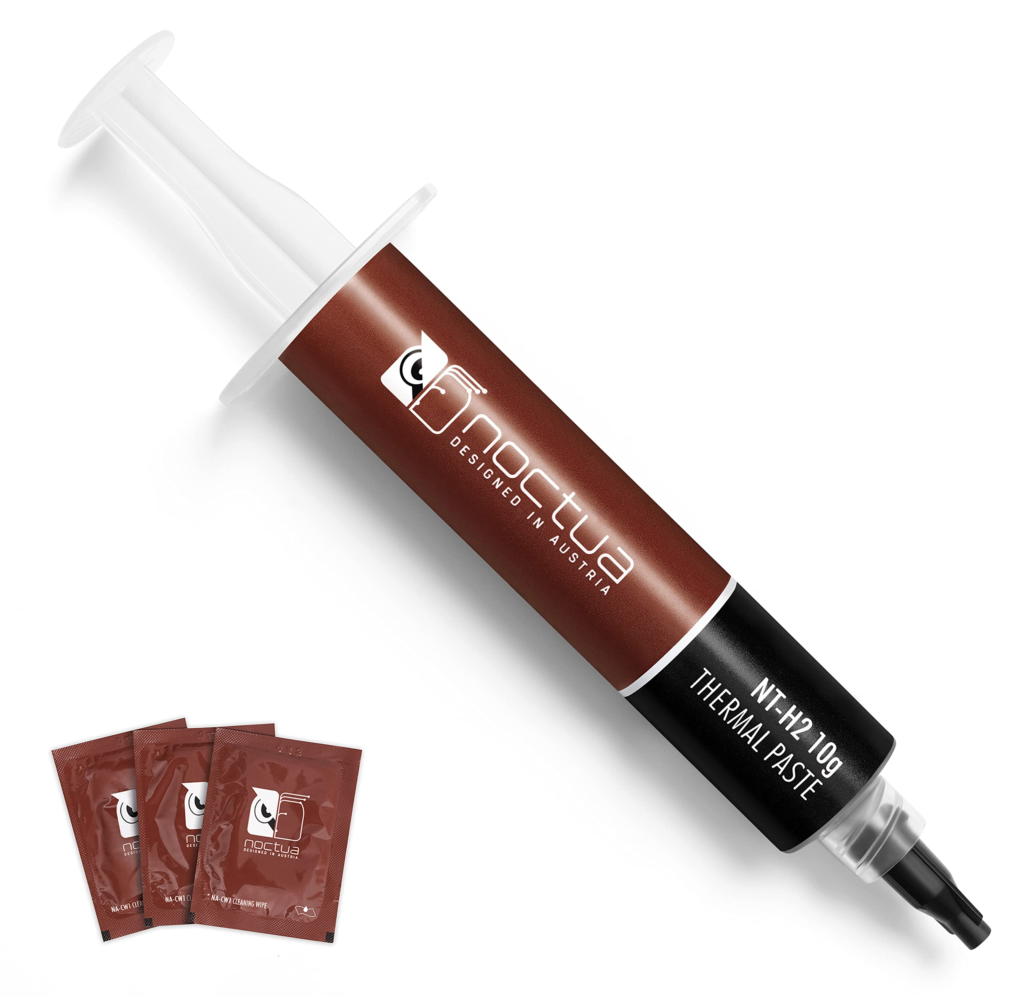
- Noctua NT‑H2 Thermal Paste ·⭐ Premium premium choice with superb thermal transfer and ease of use, often recommended for both air and liquid coolers.
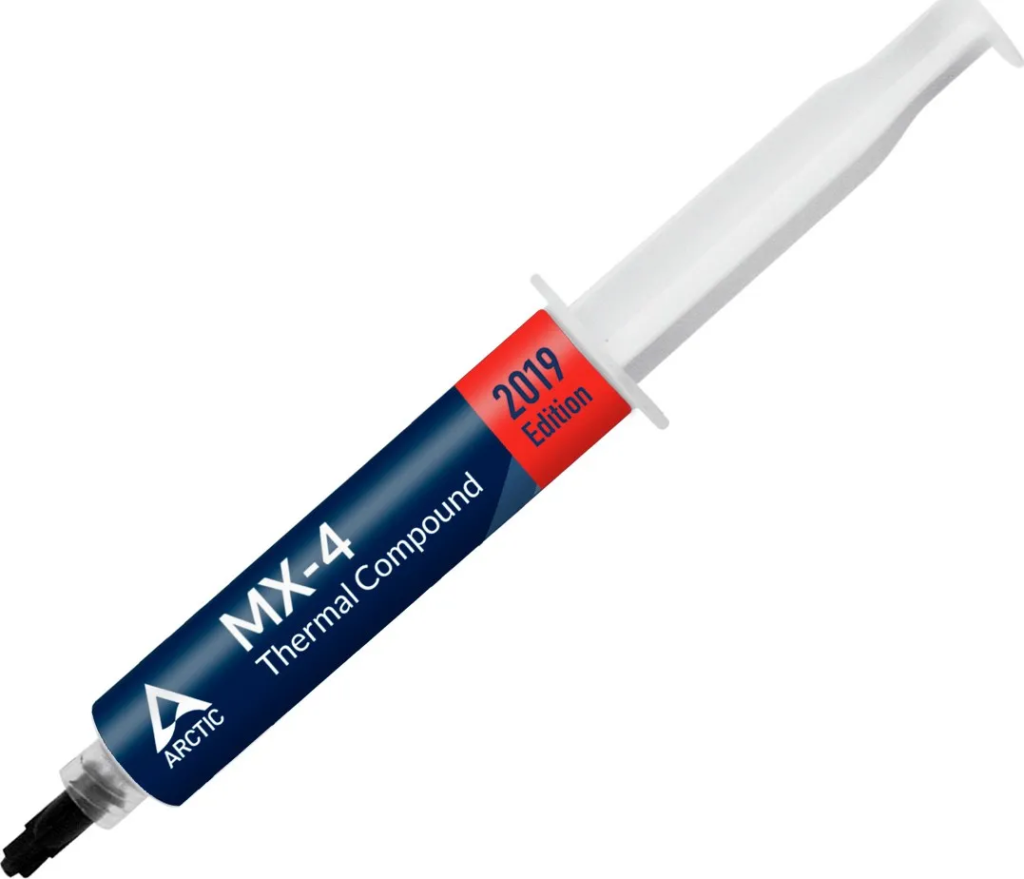
- ARCTIC MX‑4 Thermal Compound · Excellent all-around thermal paste that performs reliably in most systems; a consistent best-seller on marketplaces.
- Thermal Grizzly Hydronaut · Great mid-to-high end paste from a brand famous for high conductivity and stable performance.
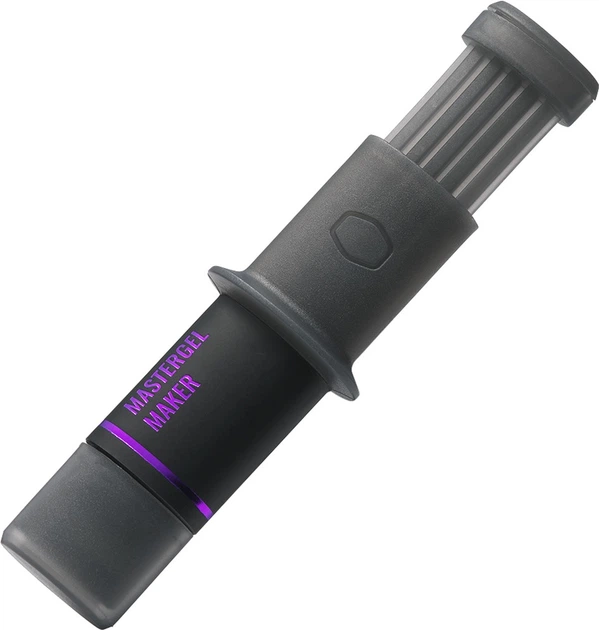
- Cooler Master New MasterGel Maker · High-quality compound designed for gamers and enthusiasts, strong heat transfer and easy application.
🧰 Strong Value & Everyday Cooling
- Startech High‑Efficiency Thermal Paste · Solid general-purpose paste with good reviews for typical CPU/GPU use.
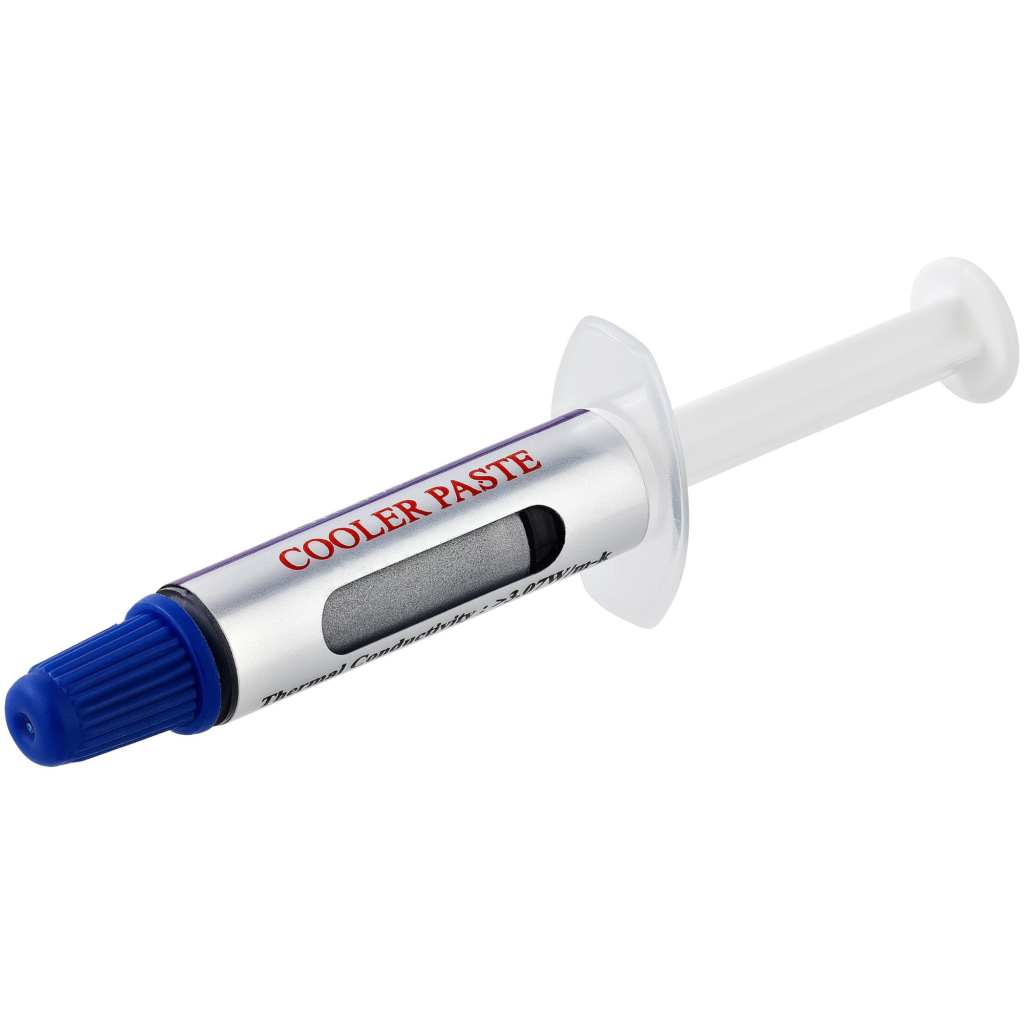
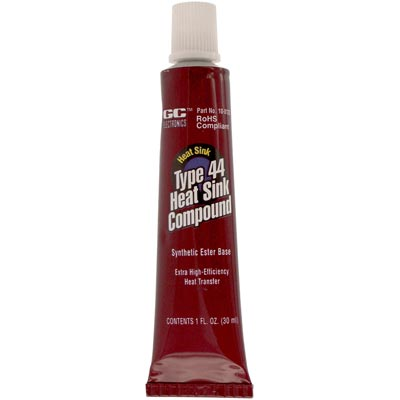
- GC Electronics Silicone Heat Sink Compound · Lower-cost silicone paste with strong insulating and thermal properties.
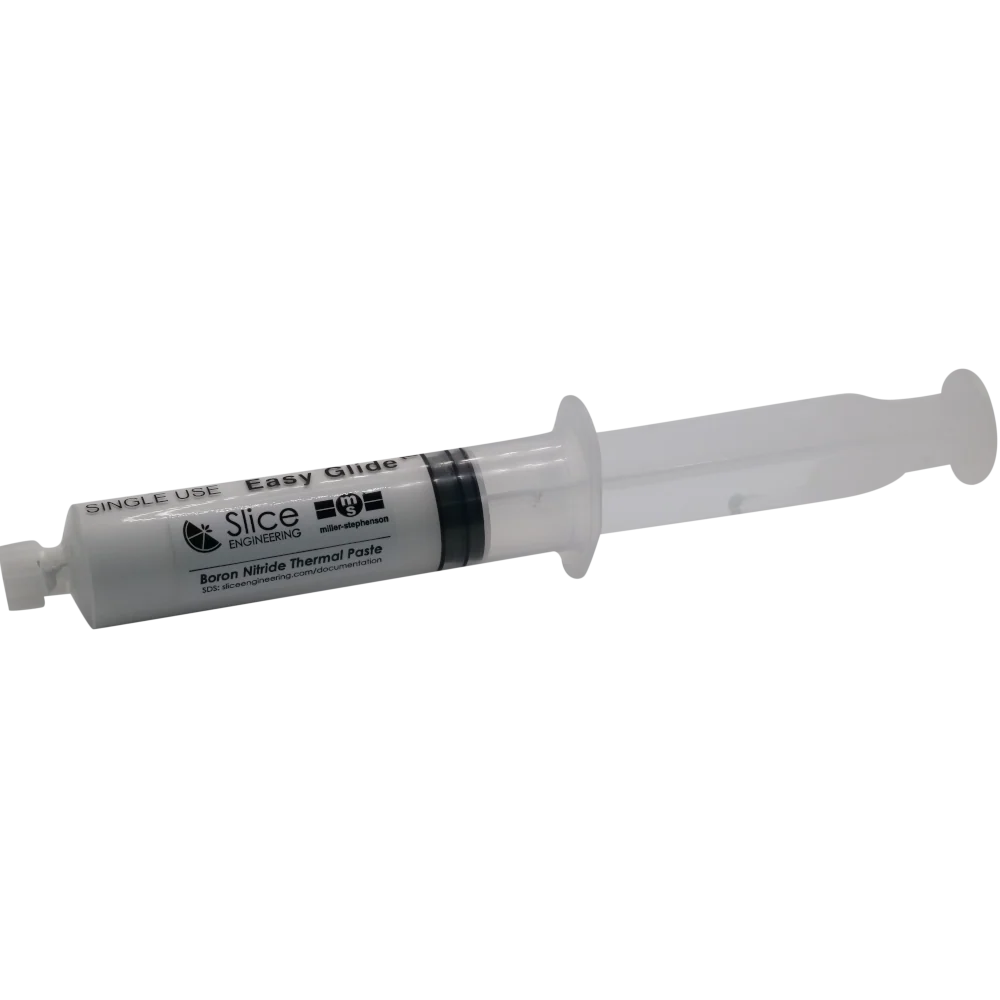
- Boron Nitride Paste · Specialty paste with high thermal transfer efficiency; good for advanced builds and custom cooling.
🔥 Top Thermal Pastes Comparison (USA Builds)
| Thermal Paste | Performance Level | Best For | Key Notes |
|---|---|---|---|
| ARCTIC MX‑4 | ⭐ High | Everyday & gaming PCs | Great all-around performance and non-conductive; one of the most popular choices on the market. |
| Thermal paste GD900 | ⚪ Good (budget) | Budget builds / backups | Affordable basic thermal paste; decent for office and light gaming. |
| Thermal conductive paste GD900, 0.5g | ⚪ Entry level | Small repairs & testing | Very inexpensive tiny syringe — not great for high-performance cooling. |
| Zalman ZM‑STC9 | ⚪ Mid | Mid-range systems | Decent non-conductive paste with simple application; slightly older tech. |
| Heat Transferring Paste HP 7gr AGT‑284 | ⚪ Moderate | Light to moderate load systems | Budget thermal paste option with limited reviews. |
| ES410 Thermal Paste Kit 200 gram | 🛠 Bulk/Professional | Multiple rigs / professional use | Huge supply — great if you apply thermal paste often. |
💡 How to Choose the Right Thermal Paste
Here’s what to consider before buying:
🧠 1. Your Usage Scenario
- Gaming / high load — go for higher conductivity pastes like MX-6 or NT-H2.
- Overclocking or extreme heat — high-end pastes (or even liquid metal, but risky).
- General desktop or office PCs — value pastes work fine.
🧪 2. Safety & Compatibility
- Non-conductive pastes are safer for beginners (no short-circuit risk).
- Liquid metal options (not listed above) have superior conductivity but must be applied carefully and are not safe near aluminum heatsinks.
📦 3. Longevity
Look for pastes that are stable over time, not drying, cracking, or pumping out under heat cycles — good paste can last years.
🛠️ How to Apply Thermal Paste (Best Practice)
Good application is as important as the paste itself:
✔ Clean the CPU and heatsink surfaces with isopropyl alcohol.
✔ Apply a small pea-size dot in the center – thin and even coverage is key.
✔ Mount the cooler with even pressure to spread the paste.
✔ Don’t overuse it — too much can trap air and worsen heat transfer.
🧠 Final Tips
✨ Pre-applied paste on coolers is fine for basic builds, but buying quality paste gets you lower temps and better long-term performance.
🌡️ Reapply every 2–3 years or if temps noticeably rise.
🔬 Higher performance paste typically saves a few °C — small but helpful, especially in hot environments or during heavy gaming/compute workloads.
FAQs
Does thermal paste really make a difference?
Yes. Thermal paste fills microscopic air gaps between the CPU/GPU and heatsink. Without it, temperatures can be 10–20°C higher, leading to throttling and reduced performance.
What is the best thermal paste right now?
For most U.S. builders in 2025–2026:
Best overall: ARCTIC MX-6
Premium & reliable: Noctua NT-H2
For overclocking: Thermal Grizzly Kryonaut
All are widely available on Amazon, Newegg, and Micro Center.
How much thermal paste should I apply?
A pea-sized dot in the center of the CPU is ideal for most modern processors.
Too much paste can actually worsen cooling.
How often should thermal paste be replaced?
Typical systems: Every 2–3 years
High-performance gaming/overclocked PCs: Every 1–2 years
If temps suddenly rise, it may be time to reapply.
Is liquid metal better than regular thermal paste?
Liquid metal has much higher thermal conductivity and can lower temps by an additional 2–5°C.
However:
It is electrically conductive (risk of short circuit)
It can damage aluminum heatsinks
Not recommended for beginners
Regular high-quality paste like MX-6 or NT-H2 is more than enough for 99% of users.
READ ALSO: Why Online Safety Is Important?

Hi, this is Masab, the Founder of PC Building Lab. I’m a PC enthusiast who loves to share the prior knowledge and experience that I have with computers. Well, troubleshooting computers is in my DNA, what else I could say….
3 thoughts on “Best thermal paste for a CPU”