
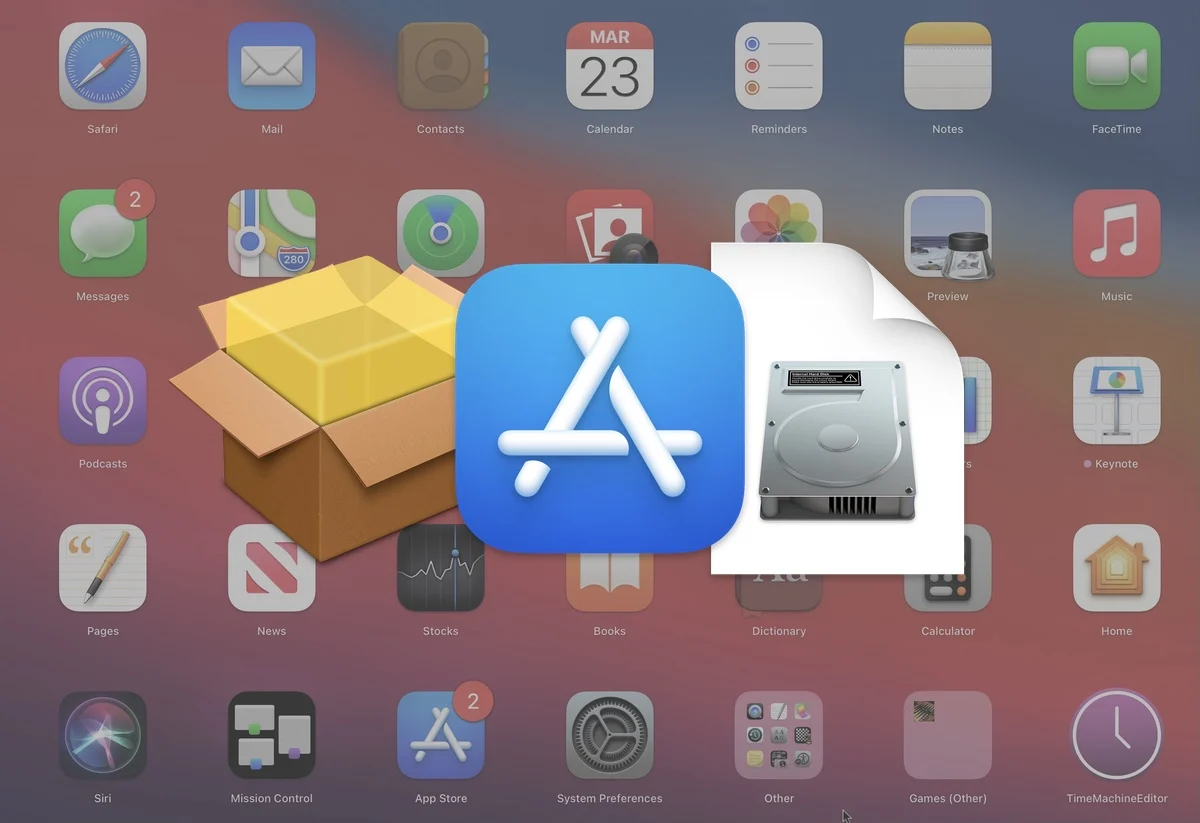
Mac App Store vs. Direct Downloads
When installing software on a Mac, you usually have two options:
- Download the app from the Apple Mac App Store
- Download the app directly from the developer’s website
Both methods are safe when used correctly, but they offer different advantages. Understanding these differences can help you choose the best option for security, convenience, performance, and access to features.
What Is the Mac App Store?
The Mac App Store is Apple’s official marketplace for macOS applications. Every app submitted to the store must pass Apple’s review process and follow specific security guidelines.
Advantages
✅ Easy installation
- One-click download and installation
- No manual setup required
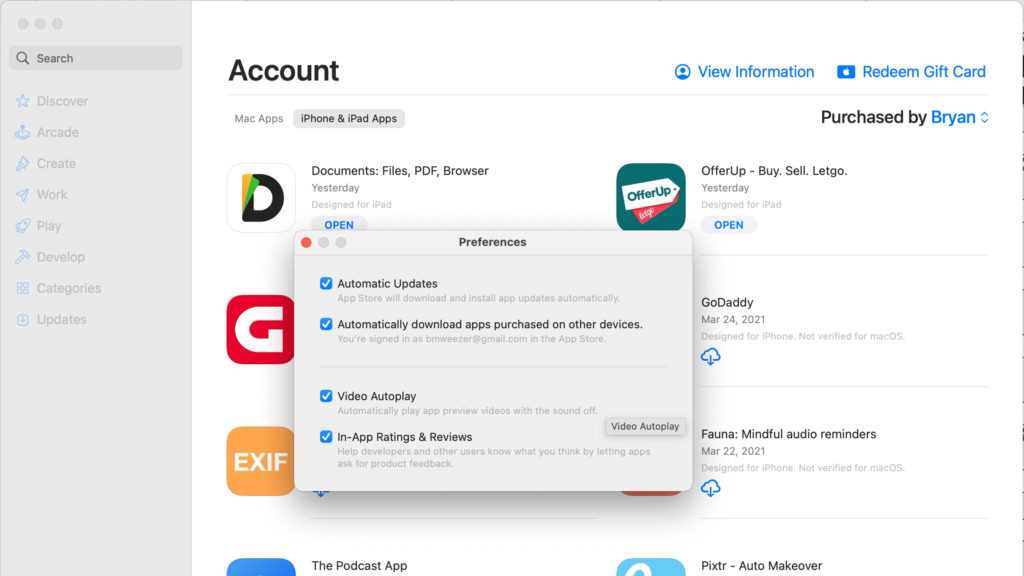
✅ Automatic updates
- Apps update automatically through the App Store
- No need to check for new versions
✅ Better security
- Apple reviews apps before publication
- Lower risk of malware
✅ Family Sharing support
- Some purchases can be shared across family members
✅ Centralized management
- All purchases tied to your Apple ID
- Easy reinstallation on a new Mac
Disadvantages
❌ Limited availability
- Many professional apps are not available in the App Store
❌ Delayed updates
- Developers must wait for Apple’s approval
- New features may arrive later
❌ Sandbox restrictions
- Apps may have fewer capabilities due to Apple’s security requirements
❌ Fewer customization options
- Certain advanced system-level functions are prohibited
What Are Direct Downloads?
Direct downloads come from a developer’s website. The app is typically delivered as a DMG or PKG installer.
Examples include apps from companies like:
- Adobe
- Microsoft
- JetBrains
Advantages
✅ Faster updates
- Developers release updates immediately
- No App Store approval delay
✅ More features
- Full access to system resources
- Advanced functionality often unavailable in App Store versions
✅ Greater flexibility
- Custom installers
- Beta releases
- Additional plugins and extensions
✅ Developer discounts
- Promotional pricing and bundles are often available directly
Disadvantages
❌ Manual installation
- Requires downloading and installing files yourself
❌ Separate update systems
- Each app may use its own updater
❌ More security responsibility
- You must verify the source is legitimate
❌ Potential compatibility issues
- Older installers may not support newer macOS versions
Security Comparison
Mac App Store Security
Apple scans applications and enforces strict requirements:
- Code signing
- Sandboxing
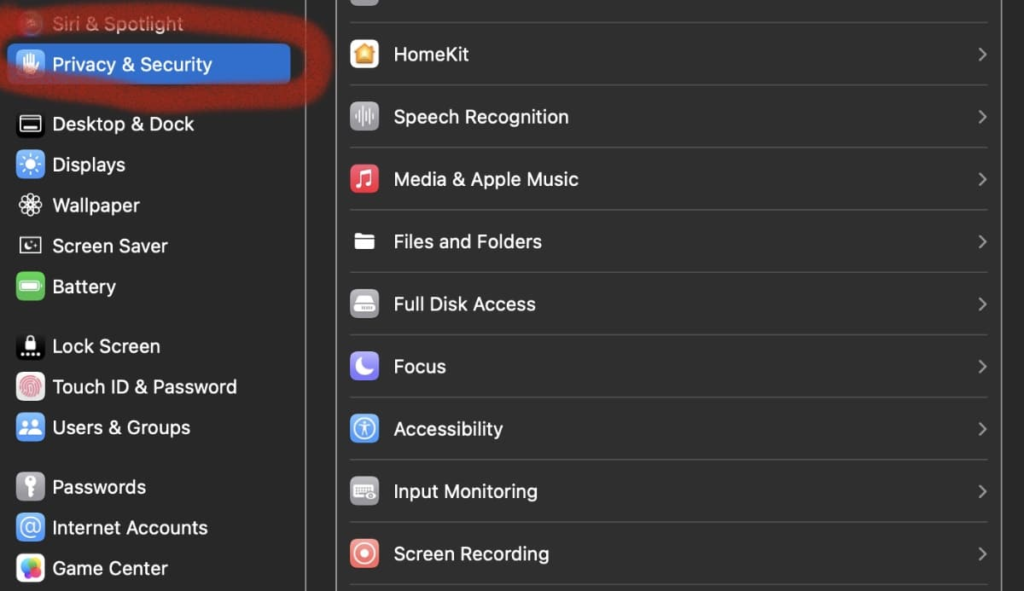
- Privacy permissions
- Malware screening
This makes the App Store one of the safest places to obtain Mac software.
Direct Download Security
Direct downloads can be equally safe when obtained from official developer websites.
Look for:
- Developer signatures
- HTTPS websites
- Notarized applications
- Established companies and trusted developers
Avoid downloading software from unknown third-party websites.
Security Winner
🏆 Mac App Store for average users.
Direct downloads can be just as secure but require more caution.
Performance Comparison
Many users assume App Store apps run faster, but that’s usually not true.
Performance generally depends on:
- App optimization
- Hardware
- macOS version
However, some direct-download versions may perform better because they can access system functions restricted in App Store apps.
Performance Winner
🏆 Tie
Most users will not notice any difference.
Update Experience
App Store
- Automatic background updates
- Centralized management
- Minimal maintenance
Direct Downloads
- May use built-in updaters
- Sometimes require manual downloads
- Beta versions available sooner
Update Winner
🏆 Mac App Store
The experience is simpler and more automated.
Feature Availability
This is where direct downloads often shine.
Examples:
- Some productivity tools provide additional integrations.
- Developer tools may require system permissions unavailable in App Store versions.
- Backup, virtualization, and security software often need deeper system access.
Feature Winner
🏆 Direct Downloads
Advanced users typically benefit more from direct versions.
Storage and Licensing
Mac App Store
- Linked to Apple ID
- Easy recovery after reinstalling macOS
- Subscription management built into Apple ecosystem
Direct Downloads
- May use license keys
- Account-based activation
- Flexible business licensing
Winner
Depends on your needs:
- Casual users: App Store
- Professionals and businesses: Direct Downloads
Who Should Use the Mac App Store?
The App Store is ideal for:
- New Mac users
- Students
- Families
- Users focused on convenience
- People who prioritize security
Choose App Store versions when available and feature differences are minimal.
Who Should Use Direct Downloads?
Direct downloads are ideal for:
- Developers
- Content creators
- IT professionals
- Power users
- Users who want the latest features immediately
If you need maximum functionality, direct downloads are often the better choice.
Side-by-Side Comparison
| Feature | Mac App Store | Direct Downloads |
|---|---|---|
| Security | Excellent | Good to Excellent |
| Installation | Very Easy | Easy |
| Updates | Automatic | Varies |
| Features | Sometimes Limited | Usually Full |
| New Releases | Slower | Faster |
| Account Management | Apple ID | Developer Account |
| Advanced Tools | Limited | Excellent |
| Convenience | Excellent | Good |
Final Verdict
Neither option is universally better.
Choose the Mac App Store if you want:
- Maximum convenience
- Automatic updates
- Centralized management
- Strong security protections
Choose Direct Downloads if you want:
- The newest features first
- More powerful functionality
- Beta access
- Fewer platform restrictions
For many users, the best strategy is a combination of both: install everyday apps through the Mac App Store and use direct downloads for professional or specialized software.
READ ALSO: Best High Airflow PC Case Under $100 [2026]

Hi, this is Masab, the Founder of PC Building Lab. I’m a PC enthusiast who loves to share the prior knowledge and experience that I have with computers. Well, troubleshooting computers is in my DNA, what else I could say….